In 2026, turning a single 2D image—whether a photo, drawing, or AI-generated art—into a dynamic 3D video is faster and easier than ever, thanks to Tripo AI at studio.tripo3d.ai?via=uma. The platform generates high-quality 3D models in seconds, complete with clean topology, PBR textures, and export options. From there, you can create captivating videos using built-in viewers, simple recordings, or integrations with other tools.
Here are 7 practical and creative methods to go from image → 3D model → animated video.
- Basic Orbit / Turntable Video (Quickest Method) Upload your image, generate the model, and use the built-in 3D viewer to create a smooth rotating turntable animation. Record the screen or use export tools for a short looping MP4—ideal for social media, product previews, or quick showcases.
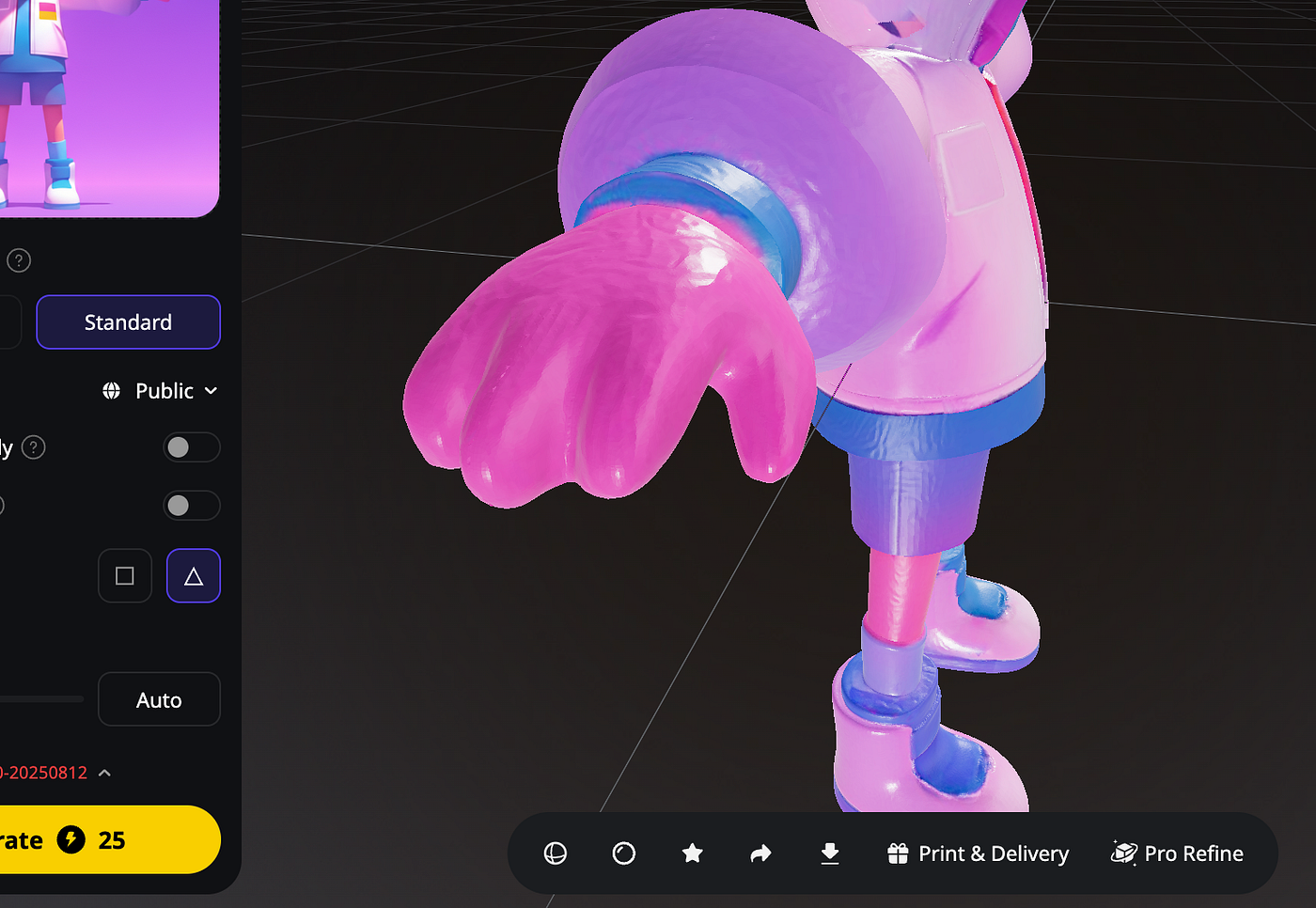
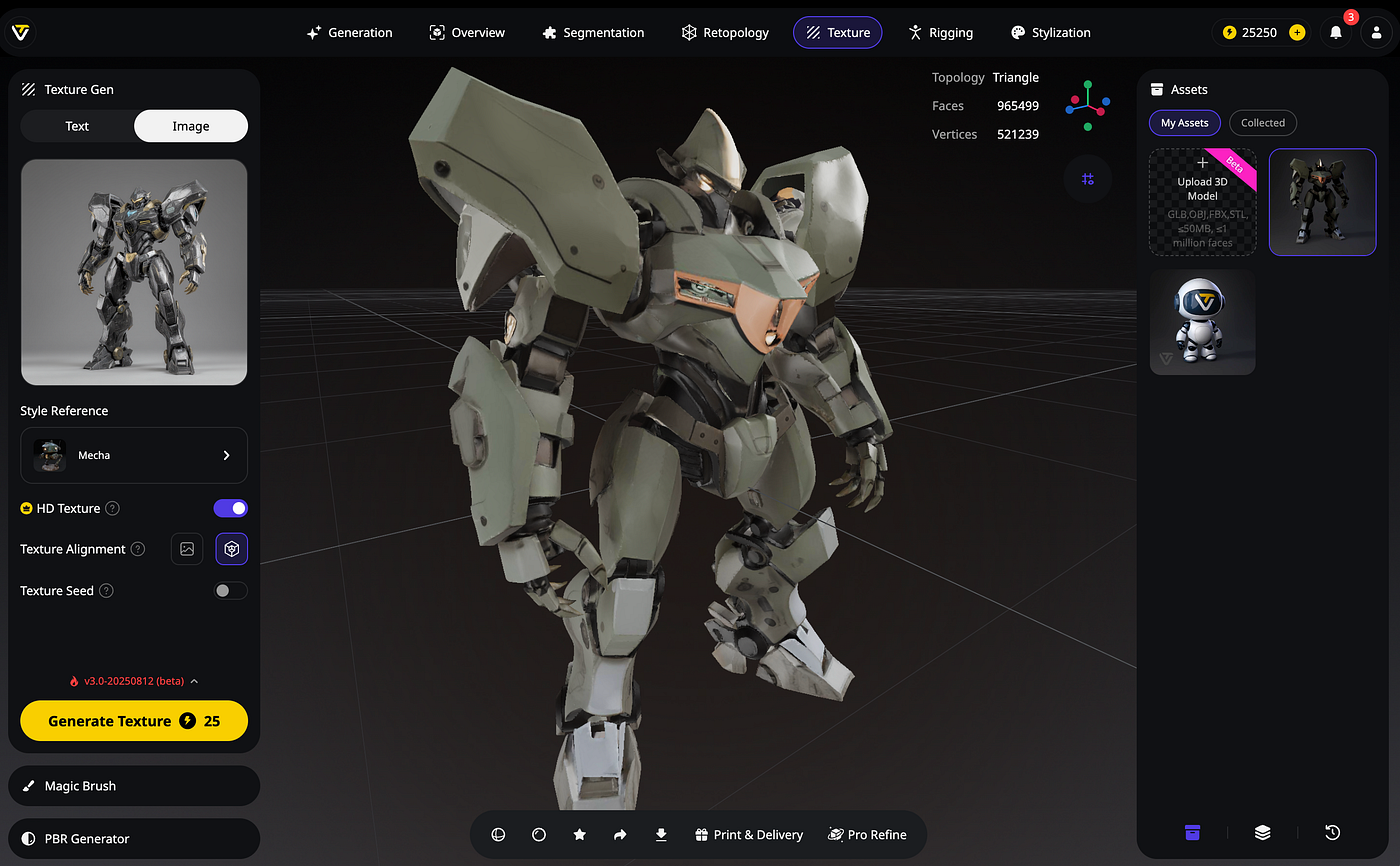
- Multi-View Image Input for Better 3D → Auto-Rotate Export Take 2–4 photos of your subject from different angles and upload them as multi-view input. Tripo builds a more accurate, detailed 3D model. Then record a full 360° rotation video right in the preview—perfect for real objects like products, sculptures, or toys.

- Text-to-3D Refinement + Simple Animation Generate the base model from your image, then refine it with text prompts (e.g., "add dynamic pose" or "more detailed fur"). If it's a character, use auto-rigging features, apply basic idle animations, and export a short video loop.
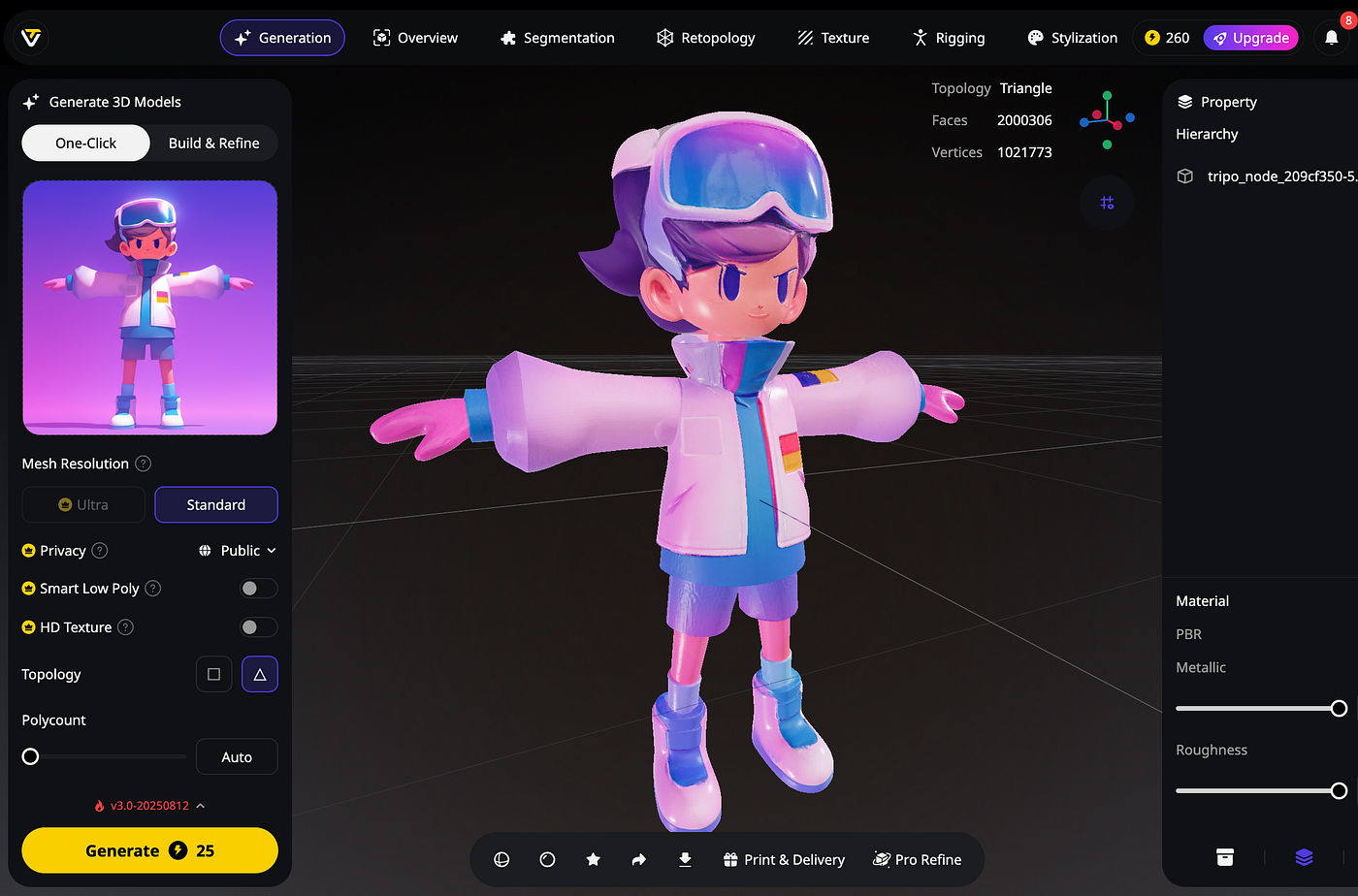
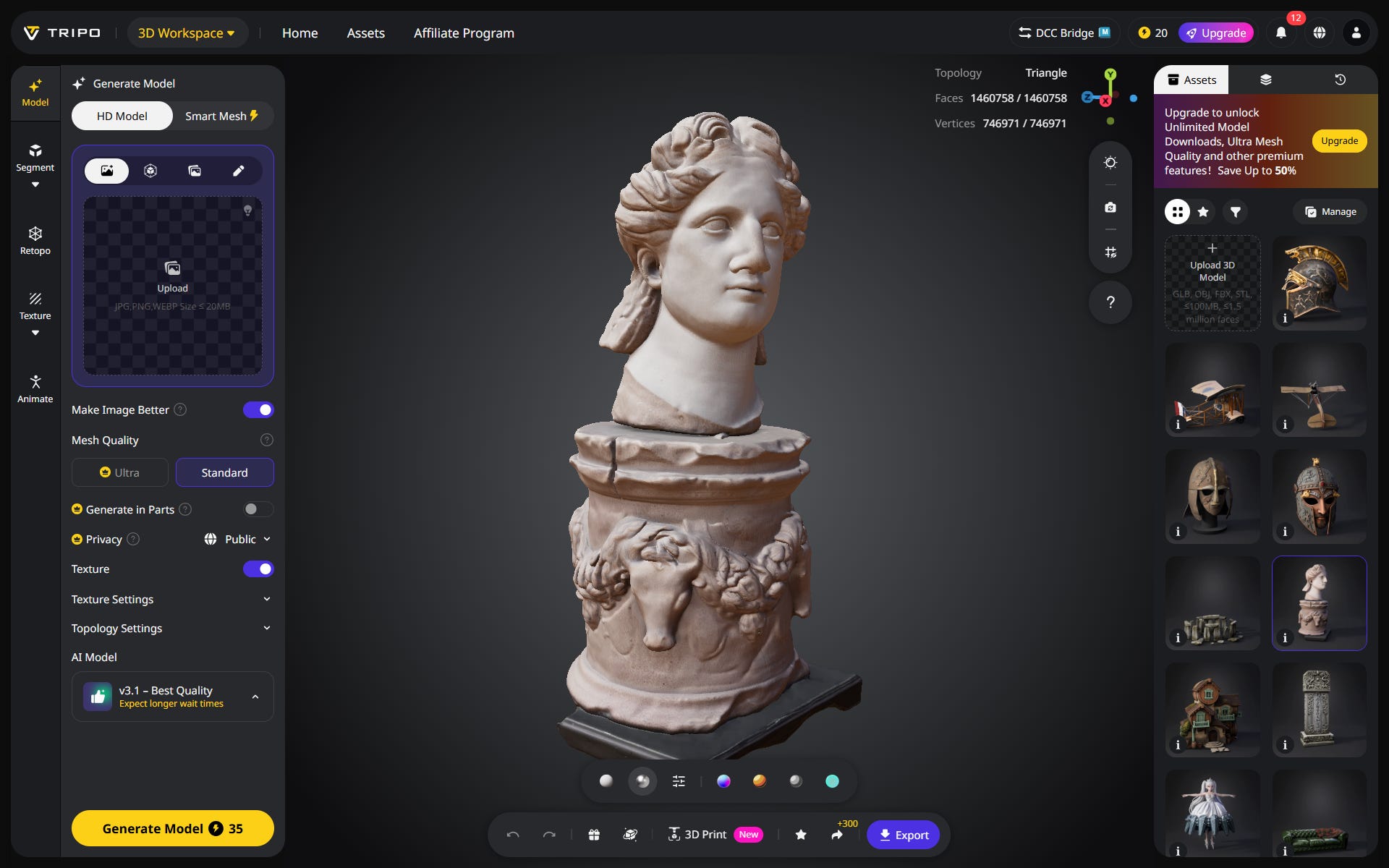
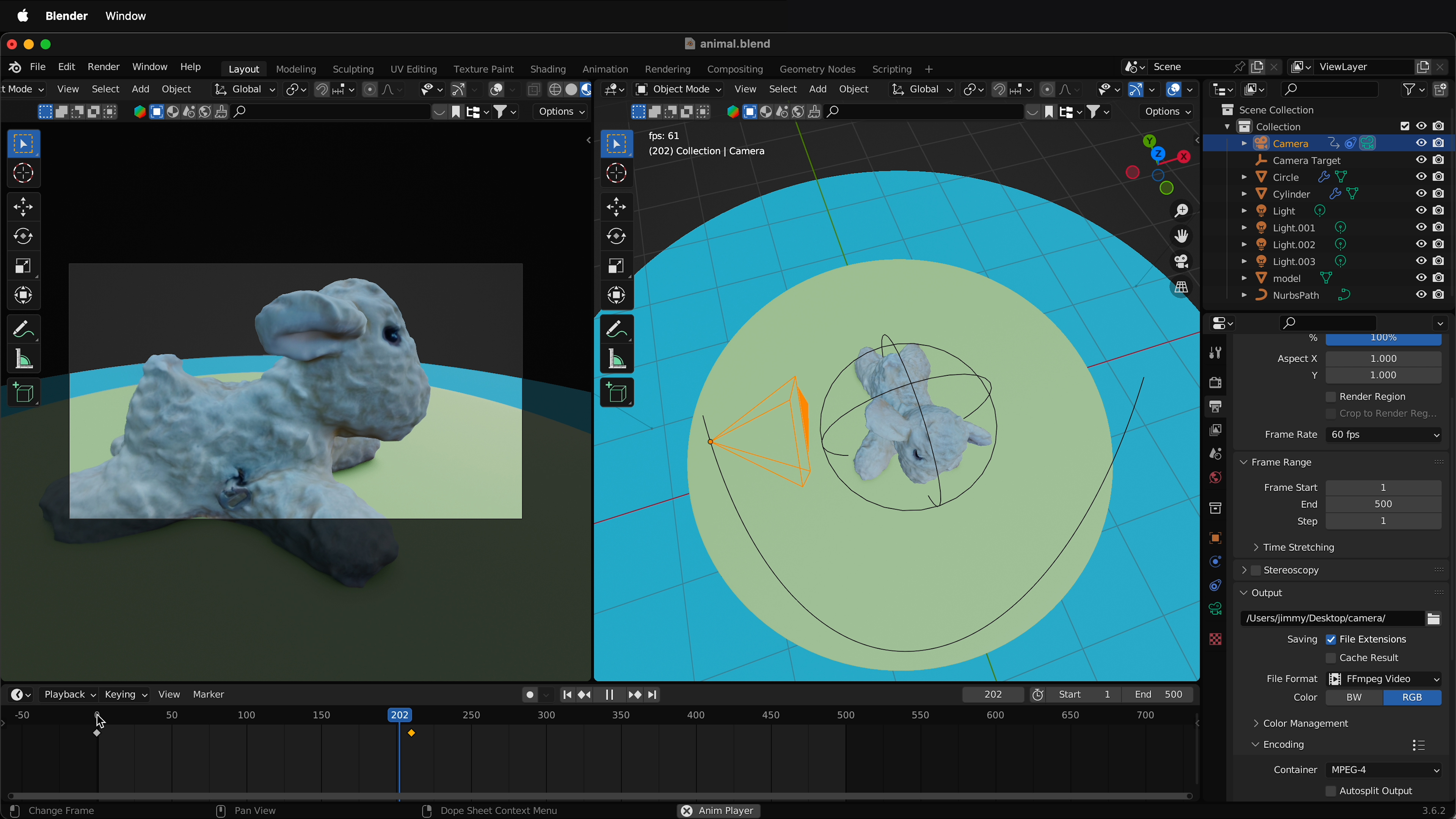
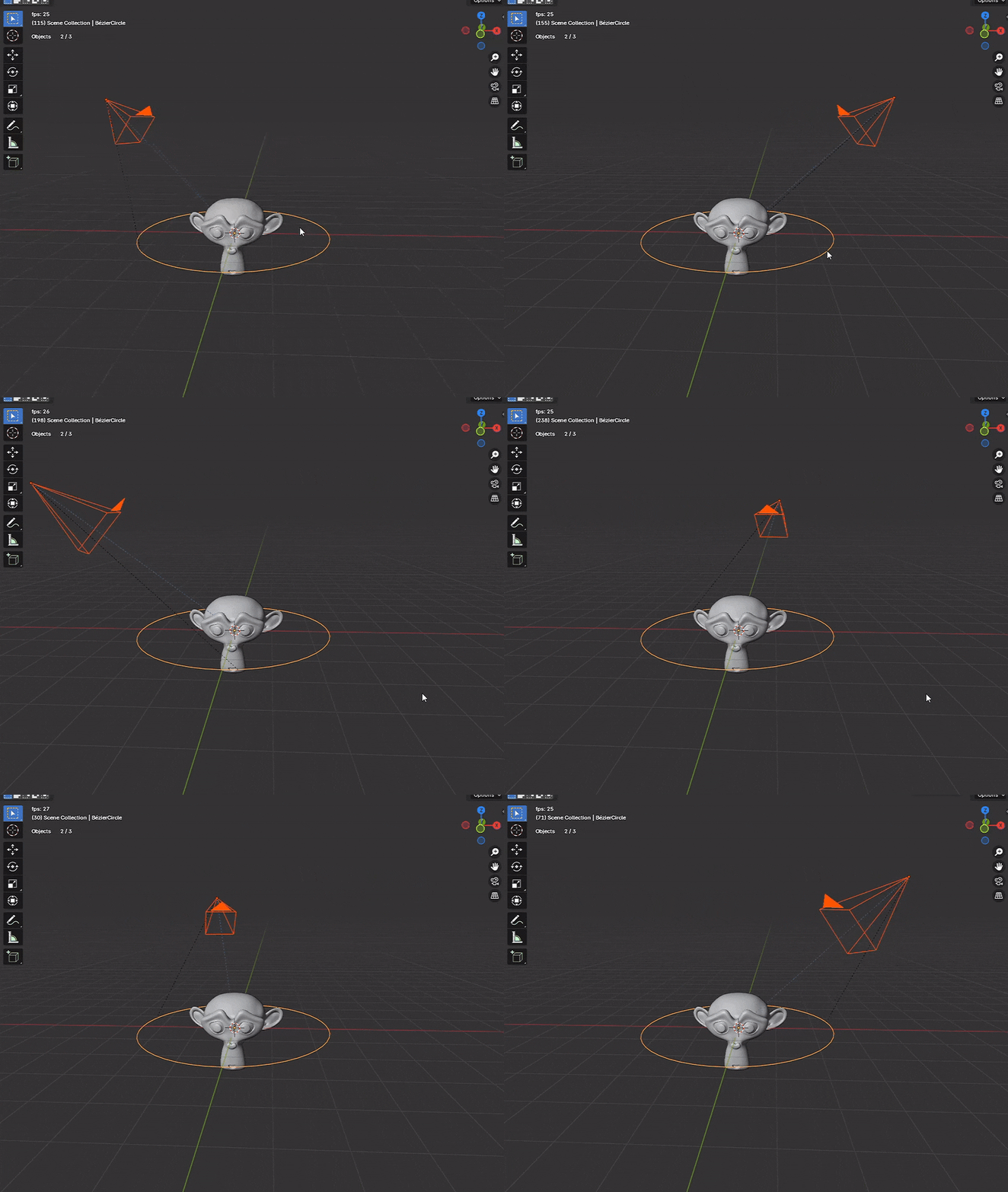
- Export to Blender for Camera Animation Download your model (GLB, OBJ, or FBX) and import it into free Blender. Set up an orbit or fly-through camera path, add lights, and render a professional cinematic 3D video. Tripo's clean meshes make this workflow smooth and fast.
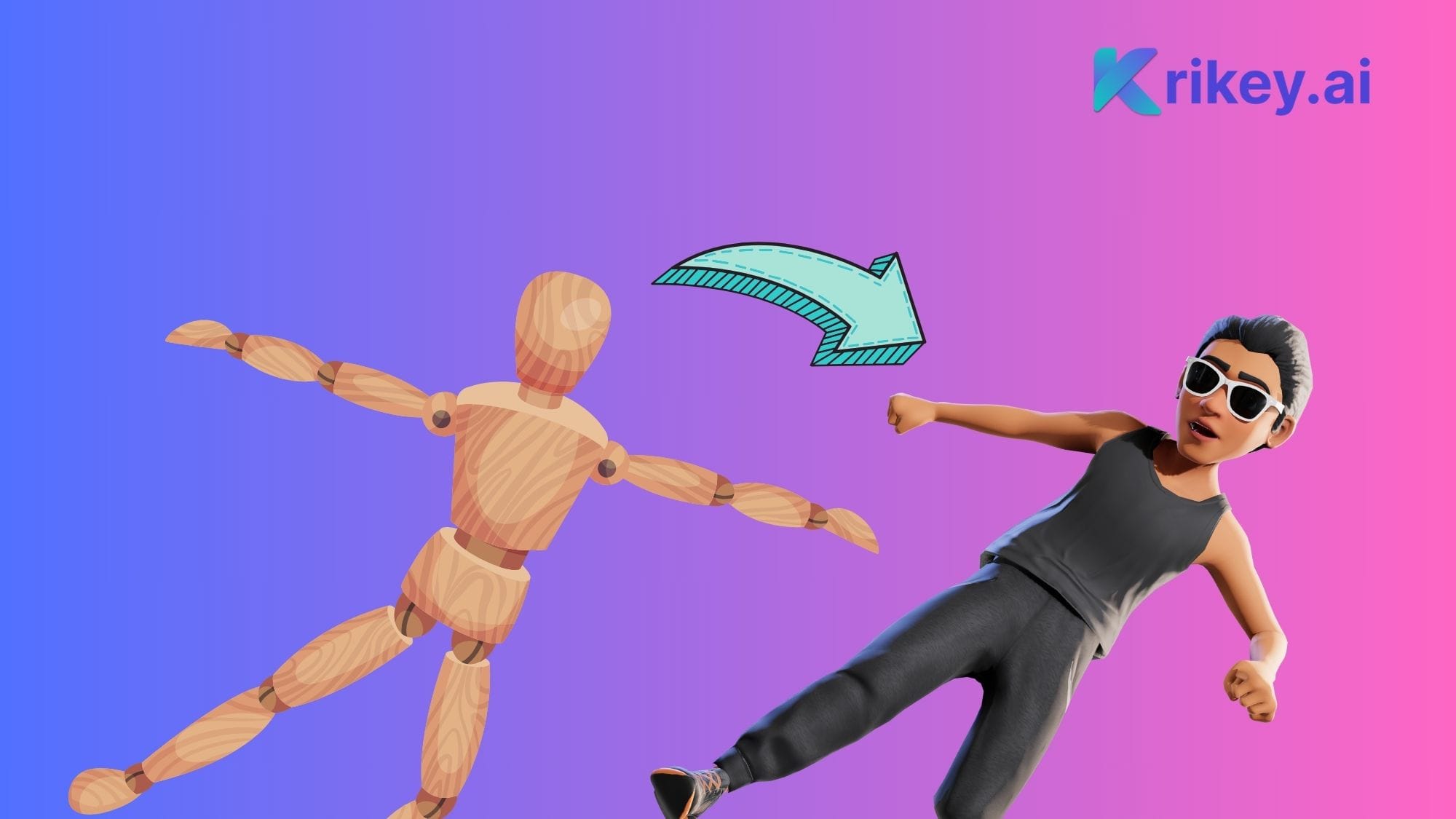
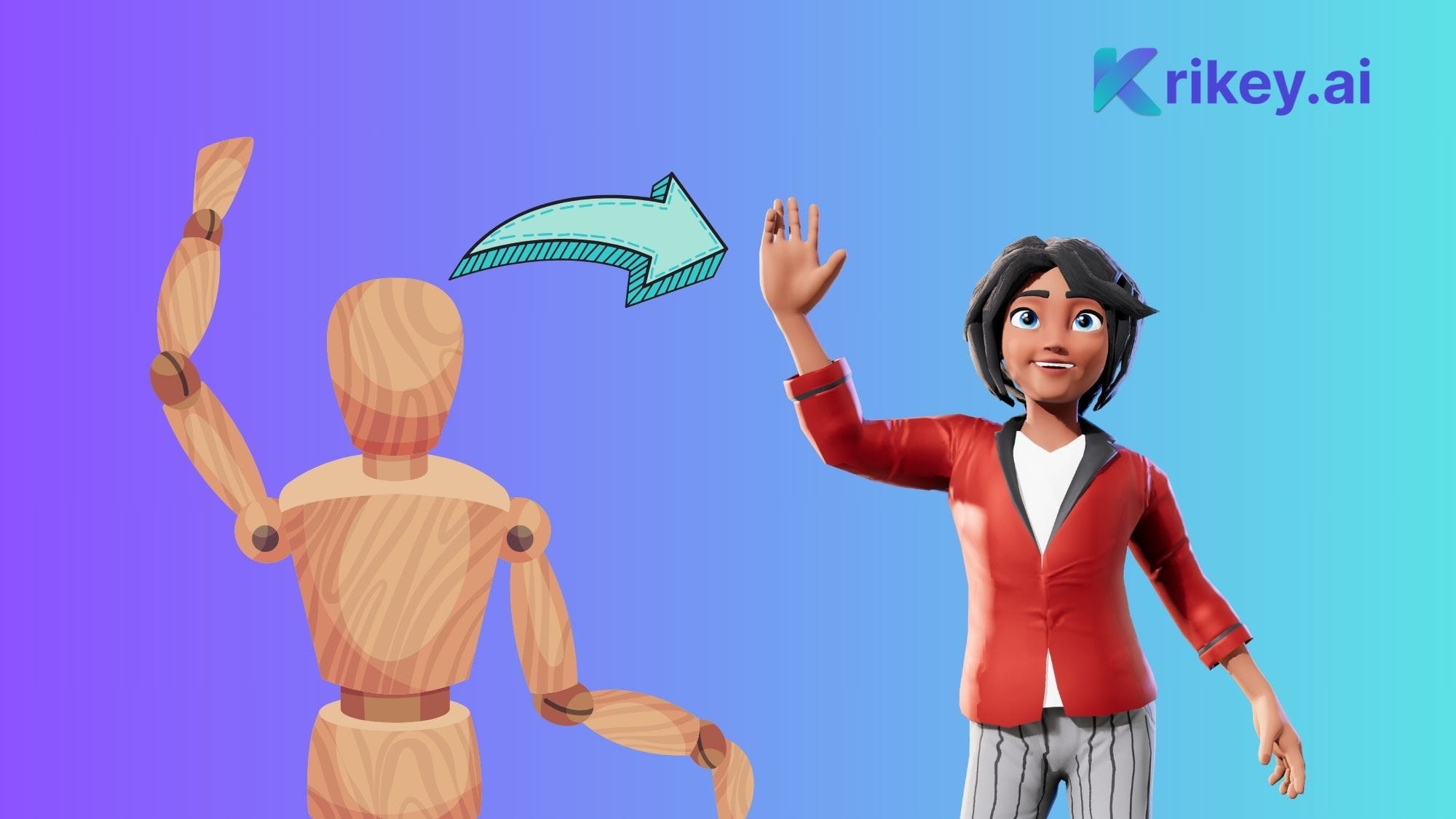
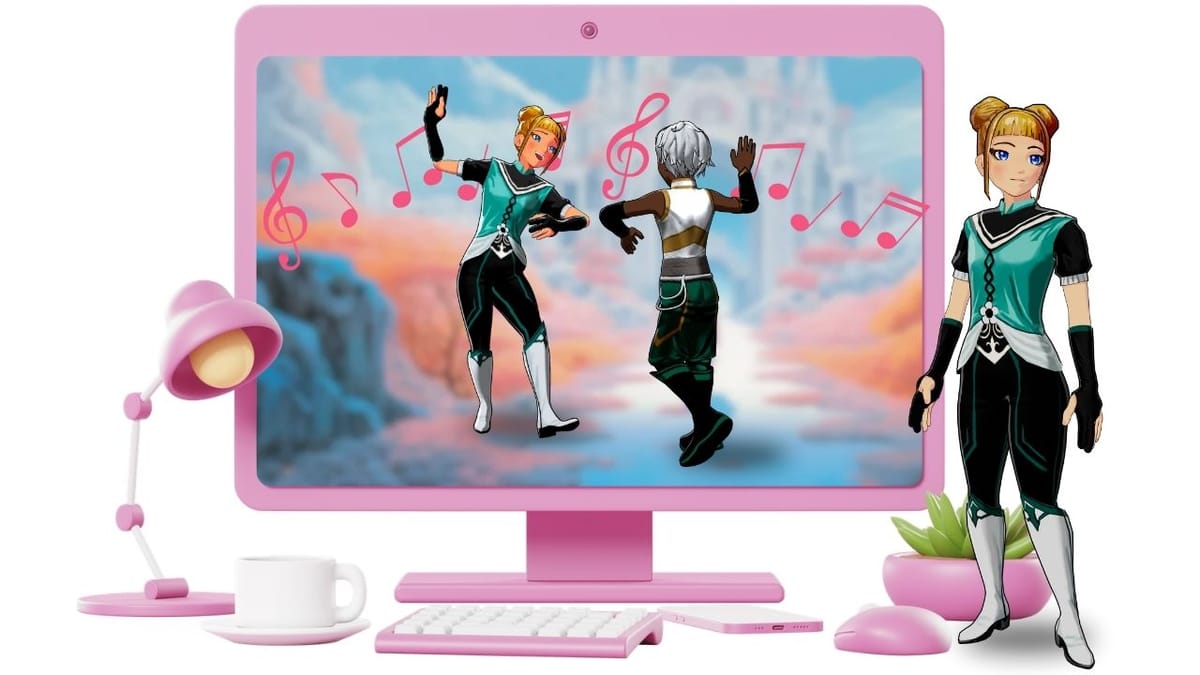
- Character Rig + AI Motion (DeepMotion or Similar) For portraits or characters, generate the model, auto-rig it, export, and upload to motion tools like DeepMotion or Krikey AI. Apply walking, dancing, or custom actions, then render your animated 3D video with realistic movement.
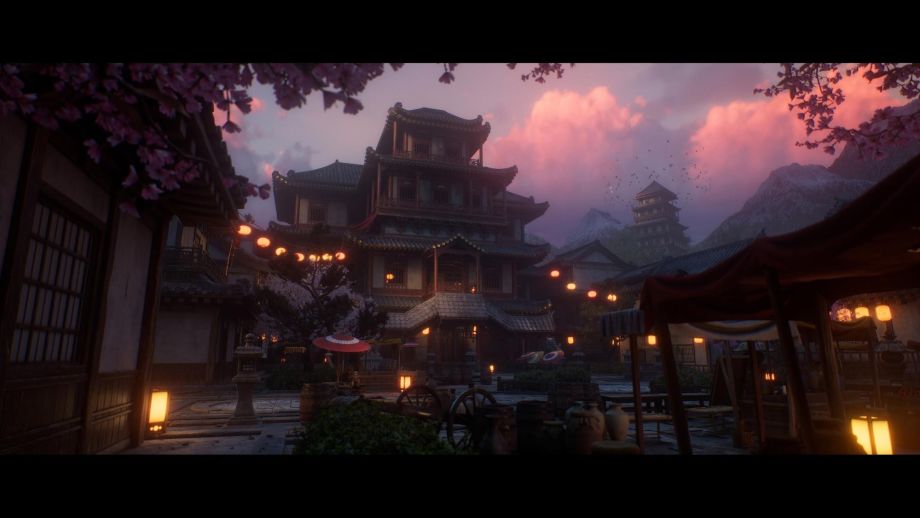
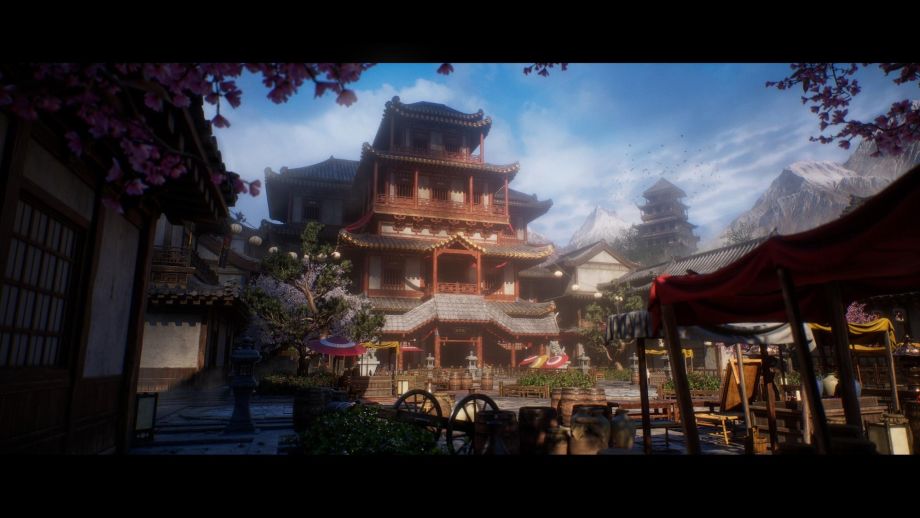
- PBR Texturing + Dramatic Lighting Video Enable PBR texturing on your model for realistic materials (skin, metal, fabric). In the viewer or an exported scene, add rotating HDRI lights or dramatic setups, then capture a moody orbiting video—great for portfolios, ads, or NFTs.
- Hybrid Workflow: Tripo 3D → AI Video Tools for Full Motion Create a clean 3D model in Tripo, export it, and import snapshots/animations into tools like Hailuo AI, MiniMax, or Luma Dream Machine. Use prompts like "smooth orbiting camera fly-through on this 3D model" for Hollywood-style 3D videos from your original image.
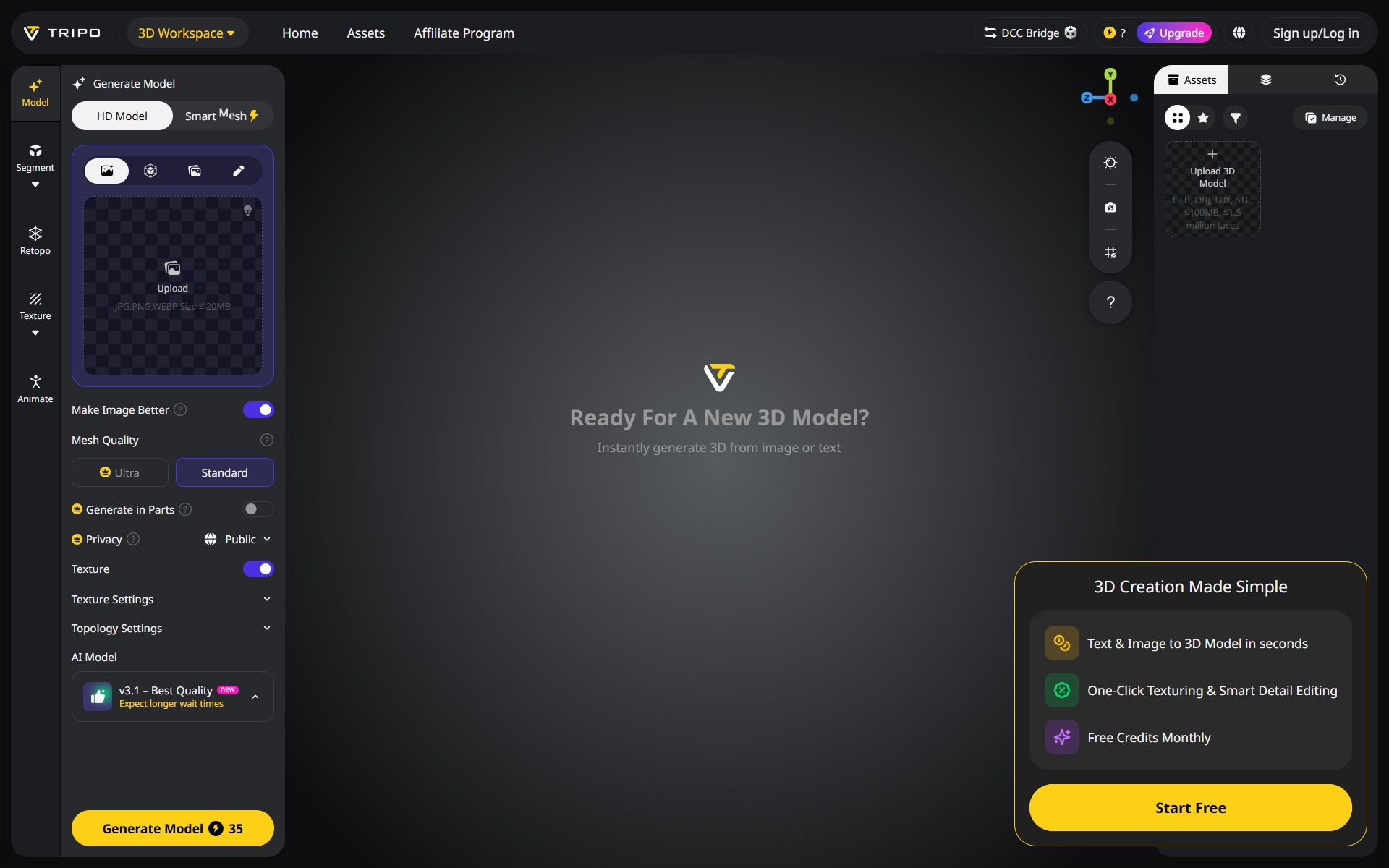
Ready to Start?
Head to https://studio.tripo3d.ai?via=uma right now—it's free to try! Upload any image, generate your 3D model instantly, and experiment with these methods to create eye-catching 3D videos for content, fun, previews, or pro work.
Which of these 7 ways excites you most? Drop your creations or questions in the comments below!
Happy 3D video making! 🚀


No comments:
Post a Comment